
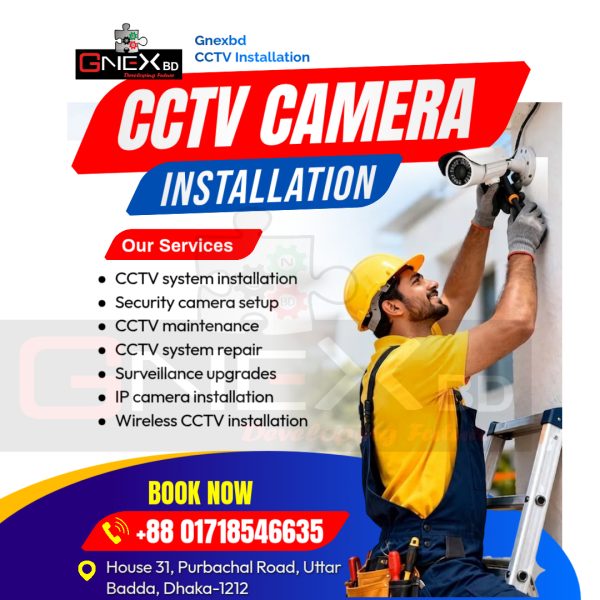
CCTV Camera Installation IN Bangladesh
Protect your property with best cctv camera in Bangladesh. Our expert technical team is working with very professional systems for cctv camera installation.
We concern about your cctv camera installation process very carefully with following details.
1. Planning & Placement of CCTV Camera
- Identify High-Risk Zones: Focus on primary entry points, blind spots, driveways, backyards, and cash counters/valuables.
- Optimize Height and Angle: Mount cameras 5 to 3 meters (8 to 10 feet) high. This keeps them out of arm’s reach from vandals while still capturing clear facial details.
- Manage Lighting: Avoid pointing lenses directly at the sun or bright light sources to prevent lens flare and washed-out footage.
2. Required Tools and Equipment
We make sure you have your complete hardware toolkit ready:
- Core Hardware: CCTV cameras, a recorder (DVR for analog or NVR for IP systems), a surveillance-rated surveillance hard drive (HDD), and a monitor.
- Cabling & Power: Coaxial cables (RG59) or Ethernet cables (Cat5e/Cat6) for cctv camera systems. Power cable, adapters or a Centralized Power Supply Unit (PSU).
- Tools: Drill machine, wall plugs, screws, screwdrivers, BNC/RJ45 connectors, cable clips or conduits, and a ladder.
Installation Process of CCTV Camera
1. Mounting the cctv Cameras
- Position the Bracket: Hold the camera bracket against the wall or ceiling at your chosen spot and mark the screw holes with a pencil.
- Drill and Secure: Drill the pilot holes, insert the plastic wall plugs, and securely screw the mounting bracket into place.
- Attach and Aim: Fix the camera to the bracket and loosely adjust the orientation. You will fine-tune the exact framing later once the live feed is active.
2. Routing the Cables
Keeping your wiring safe and hidden is critical for both security and aesthetics.
- Pathing: Run cables from each camera location back to the central monitoring room where the recorder sits.
- Protection: Use PVC conduits, casing, or fish cables through drop ceilings and walls to prevent intruders from simply cutting the wires.
- IP Advantage: If using an IP system with PoE (Power over Ethernet), a single Cat6 cable provides both video data and electrical power, cutting your wiring workload in half.
3. Setting Up the Recorder & Connections
The recorder acts as the central hub of your surveillance system.
- Install the Storage
- Connect Video Feeds
- Connect Peripheral Hardware
4. System Configuration & Testing
With everything powered on, use the setup wizard on the monitor to program the network.
- Initialize Settings: Format the hard drive, set the correct local date and time, and create a strong administrative password.
- Adjust Recording Modes: Choose between 24/7 continuous recording, scheduled times, or motion-triggered recording (highly recommended to save hard drive space).
- Fine-Tune CCTV Camera Angles: Look at the monitor to check the live view of each channel. Physically adjust the camera heads outside to eliminate blind spots, then tighten the bracket screws firmly.
5. Remote Viewing (Optional but Recommended)
Most modern surveillance systems allow you to monitor your property from anywhere.
- Connect the DVR/NVR network port to your internet router using an Ethernet cable.
- Download the manufacturer’s dedicated security app on your smartphone or PC.
- Scan the unique QR code found in the recorder’s network settings menu to securely pair the system to your device.
⚠️ Safety Note: Always ensure the main power is turned off when splicing or connecting bare electrical wires. If your setup requires running complex wire lines across external building walls or tapping into main electrical panels, consider hiring a certified electrician or professional installer.
Reviews
There are no reviews yet.